

Pet Camera Guide
Pet Camera
Guide
A thoughtful pet camera setup is less about watching every moment and more about staying connected to the routines that matter. This guide helps you compare camera styles, consider placement, and choose features that fit naturally into everyday pet care.
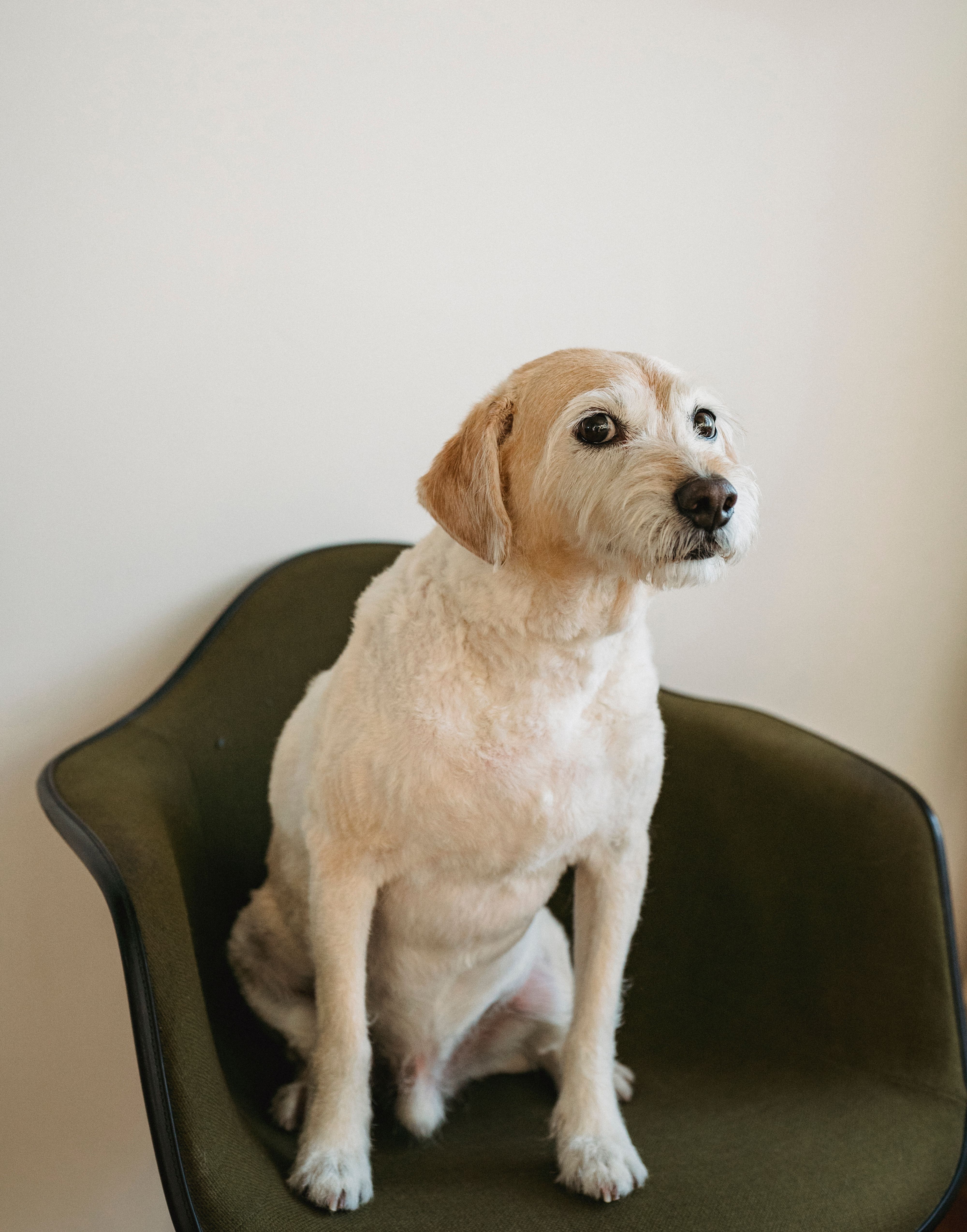
Think about what you actually want to check in on.
A pet camera can support different routines depending on how your pet spends time at home. Before comparing devices, define the moments you care about most: resting areas, entry points, feeding spaces, play zones, or simple check-ins while you are away.
Routine visibility
A fixed viewing area may be enough when your pet spends most of the day around a familiar bed, window, feeding station, or living space.
Remote check-ins
If a camera offers live viewing or two-way audio, consider whether those functions fit the way you prefer to stay connected during the day.
Interactive moments
Some pet cameras include interactive functions. Look at how those functions would fit your pet's normal routine rather than choosing extra features simply because they are available.
Three ways to think about a connected pet camera.
Product functions vary, so always review the individual product information before choosing. These categories are a simple way to decide which type of experience best suits your home.
Smart Pet Cameras
A straightforward choice for viewing a familiar pet area and keeping a visual connection with everyday home routines.
Simple monitoringTwo-Way Audio Pet Cameras
Consider this style when hearing the room and speaking through a supported device would be useful to your normal check-in routine.
Voice connectionInteractive Pet Cameras
Designed for owners who want to explore additional forms of remote interaction when those functions are included by the specific product.
More interaction
Give the camera a useful view, not just an available shelf.
Start with the area your pet naturally uses most. A carefully chosen location can make a simple camera more useful than a feature-heavy device placed where little actually happens.
-
Cover a meaningful activity zone
Think about beds, living rooms, feeding areas, hallways, or another place your pet regularly returns to.
-
Keep the view unobstructed
Avoid placing the camera where furniture, doors, plants, or frequently moved objects block the main viewing area.
-
Use a stable, pet-conscious location
Follow the product instructions and position the device and its cables where they are less likely to be disturbed by everyday pet activity.
Placement requirements vary by product. Always follow the setup, mounting, power, and environmental guidance provided with the device you choose.
Let the camera support your routine, not dominate it.
Connected pet care works best when technology feels calm and useful. Build a simple routine around the moments that matter rather than checking continuously without a clear reason.
Set up the main view
Choose one useful pet zone and make sure the camera has a stable, practical perspective.
Learn your pet's normal pattern
Use check-ins to understand familiar routines rather than reacting to every movement.
Use communication thoughtfully
If two-way audio is available, consider how your individual pet responds before making it a frequent part of the routine.
Review settings as your routine changes
Room layouts, schedules, and pet habits evolve, so camera placement and notification preferences may need to evolve too.
Compare the details that affect real daily use.
Features and requirements differ between products. Verify individual product information before purchase.
Connection requirements
Check what network, app, account, or device requirements are listed for the specific camera you are considering.
Power and placement
Consider where the device needs to sit or mount and whether the required power arrangement fits that location neatly.
Notification preferences
If alerts are supported, look for settings that can fit your routine without creating more interruptions than useful information.
Storage and privacy choices
Review the product's available recording, storage, account, and privacy options so you understand how the camera is intended to operate.
Interactive functions
Decide whether additional interaction features genuinely support your pet's routine before making them a priority.
Room coverage
Think about the shape of the room and the activity area you want to see rather than comparing camera specifications in isolation.
A pet camera also becomes part of your home's connected environment.
Before setup, review the device's privacy controls, account settings, household access, recording options, and app permissions where applicable. A calmer connected routine starts with understanding how the specific device is designed to work.
A few useful questions before setup.
Keep the decision centered on your pet, your home, and the features you will realistically use.
Do I need two-way audio in a pet camera?
Where is a good place to position a pet camera?
Should I choose the camera with the most features?
Can a pet camera replace in-person care or supervision?
What should I review before purchasing?
What if I need help choosing a PawNexa product?
Choose a camera around the life you already share.
Explore PawNexa smart pet devices and connected home monitoring essentials, or contact our team if you need help understanding the available product information.