

Product Support
Clear help for connected pet care.
Start with the product, the situation, and what changed. This support guide helps you organize common setup questions, everyday checks, product information, and the details worth preparing before contacting PawNexa.
Features, setup steps, compatibility, maintenance, power, connectivity, fit, and intended use can vary between individual products.
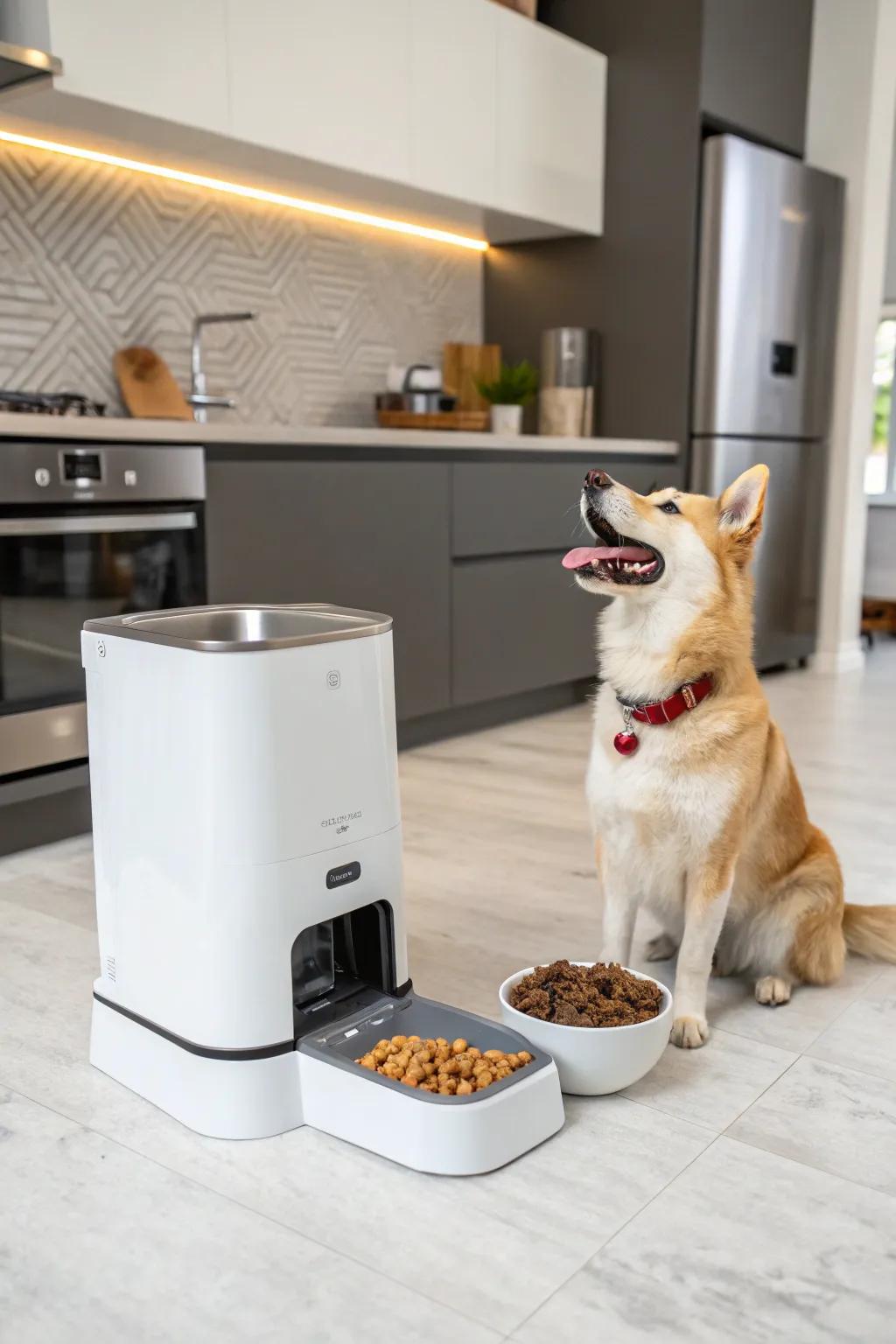
Before changing settings, establish what changed.
Product questions are easier to understand when you separate the device itself from the environment around it. A new food type, different collar placement, changed home network, moved camera, new vehicle setup, or different outdoor condition can all change how a routine feels.
Begin with simple observations and the instructions supplied for your specific product. Avoid forcing components, opening parts not intended for routine access, or applying unrelated troubleshooting steps from a different product.
Identify the exact product.
Keep the product name, variant, and relevant information from the packaging or product documentation nearby.
Know what you are working withRecall what changed recently.
Think about new settings, locations, accessories, food, charging, network conditions, attachment points, or travel environments.
Change often reveals contextReview the normal setup.
Compare the current arrangement with the individual instructions for placement, fitting, power, cleaning, connection, or use.
Return to documented setupDescribe what actually happens.
Specific observations make support conversations more useful than a general statement that a product does not work.
Describe the behavior preciselyLook at the complete pet-care environment.
Feeding, hydration, and tracking products each have different setup conditions. The environment around the product can be just as useful to describe as the product itself.

Include the feeding environment in the question.
Placement, food or water setup, cleaning routines, surrounding space, and recent changes can provide useful context for feeder and fountain questions.

Connected products need connection context.
For trackers and connected collars, note placement, charging, setup steps, connection conditions, recent changes, and what the product does during normal use.
Keep troubleshooting simple and product-specific.
A short sequence of basic checks can help you explain the situation clearly without making assumptions about features or specifications that vary by product.
Do not force a product beyond its intended setup.
Avoid opening sealed areas, modifying hardware, bypassing intended safeguards, forcing connectors or moving parts, or applying instructions from a different product unless the specific documentation clearly directs you to do so.
Stop using it if continued use appears inappropriate, review the product instructions, and contact PawNexa with a clear description of what you observed.
Four checks before you contact us.
Confirm the current setup still matches the intended placement, fitting, power, connection, cleaning, or operating instructions.
Note changes involving an accessory, location, setting, food, connection, fitting, or attachment.
Watch what the product actually does and note any lights, sounds, movement, connection behavior, fitting issue, or visible change.
A precise description of the observed behavior is more useful than a general statement that the product does not work.
A little context helps us understand the question.
You do not need to diagnose the product yourself. Prepare enough information to show what you have, how it is being used, and what you observed.
Product name or identifying details
Include the product name and relevant variant or identifying information available from the order, packaging, or documentation.
Identify the right product contextRelevant order information
If your question relates to a purchase, have the order information available when contacting support.
Share only through the support channelA short description of what happens
Explain what you expected, what you observed, when it began, and whether anything changed immediately beforehand.
Specific observations are usefulRelevant setup details
Useful context may include placement, fitting, attachment, food type, connection environment, or recent maintenance.
Include only relevant informationNeed help beyond the guide?
Reach the PawNexa team for general product assistance, order-related questions, and help understanding product information.
Common questions, kept practical.
Individual product instructions remain the primary reference for features, compatibility, setup, cleaning, fitting, connectivity, power, and maintenance.
Where should I start if a product behaves differently than expected?
Start with the instructions for the specific product, then check whether anything recently changed in its placement, fitting, settings, power, connection, accessories, food, or surrounding environment.
Can PawNexa confirm whether two products are compatible?
Compatibility depends on the individual products involved. Do not assume compatibility unless it is supported by the relevant product information or instructions.
How should I clean or maintain my PawNexa product?
Cleaning and maintenance vary by product. Follow the instructions provided for the individual feeder, fountain, camera, tracker, collar, restraint, gate, life jacket, or accessory.
What information should I include when contacting Product Support?
Include the product name, relevant order information when applicable, a concise description of what you observed, when the issue began, and any recent setup or environment changes.
Can Product Support provide veterinary or medical advice?
No. PawNexa Product Support can assist with general product information and product-use questions. It does not replace veterinary or medical guidance.
Bring the details. We will start from there.
Contact PawNexa with the product name, the situation you are trying to understand, and a clear description of what you observed.
PawNexa Product Support provides general product assistance and information. It does not provide veterinary, medical, legal, or other professional advice. Always follow the instructions supplied for the individual product.